
Local PDF exports
MailVault saves one PDF per selected email to your device, including message metadata, readable body text, and supported images.
Chrome extension for Gmail archives
Create local PDF backup archives from your own Gmail messages using saved Gmail search queries.
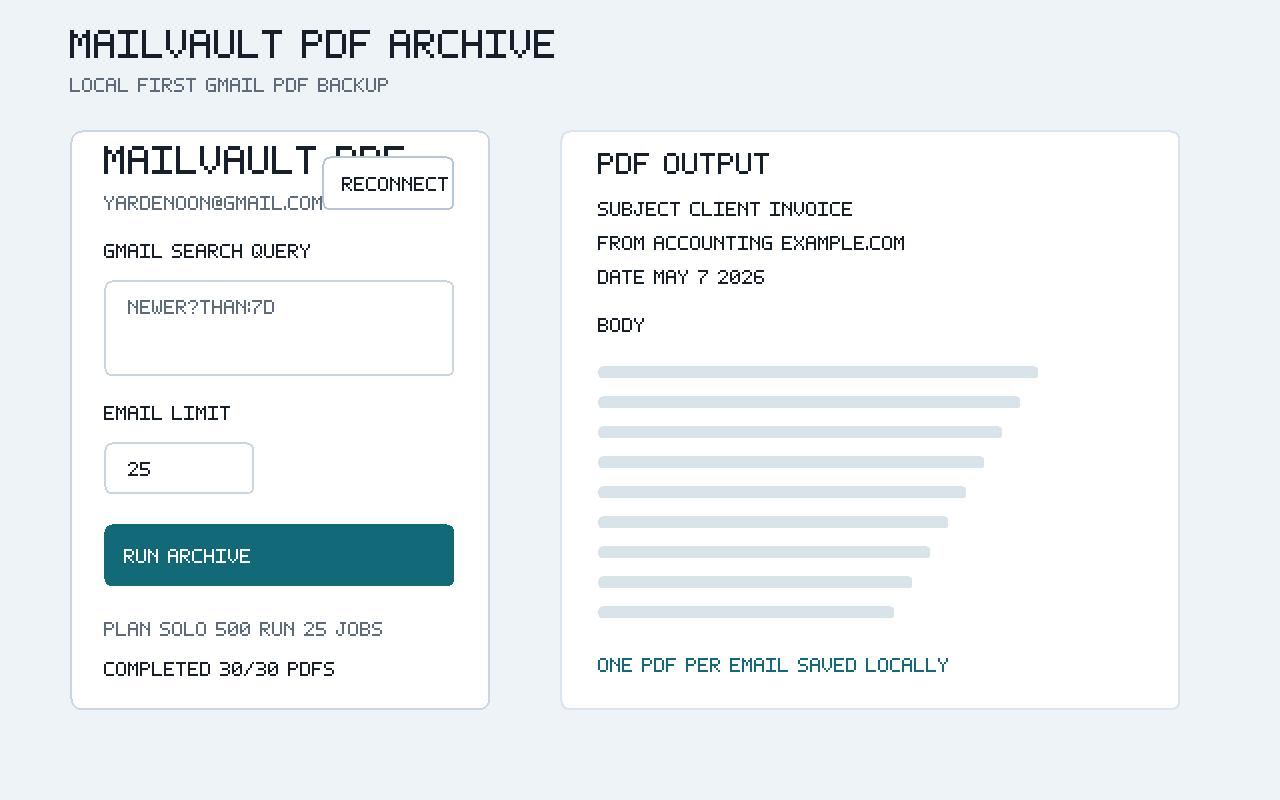
MailVault saves one PDF per selected email to your device, including message metadata, readable body text, and supported images.
Reuse Gmail search queries for repeatable backup jobs such as invoices, receipts, client emails, alerts, and statements.
Email contents are processed in the browser extension. MailVault servers are used for billing and entitlement checks, not email storage.
The extension uses Google OAuth and the Gmail read-only scope so users can select messages from their own Gmail account and create local PDF archives.
Remote image loading is optional and off by default.